How it works
Two journeys. One CellFree window.
CellFree works for two audiences at once — fans in the room, and the partners running the show. Here's how each journey looks.
For fans
Scan. Switch off. See you backstage.
- 01
Scan the venue QR
Posters, ticket stubs, the venue screen. One scan opens the CellFree pass for the night.
- 02
Join the set
Tap to opt into the CellFree window for the headline set. Your phone stays with you. There's no pouch and no lock.
- 03
Switch off
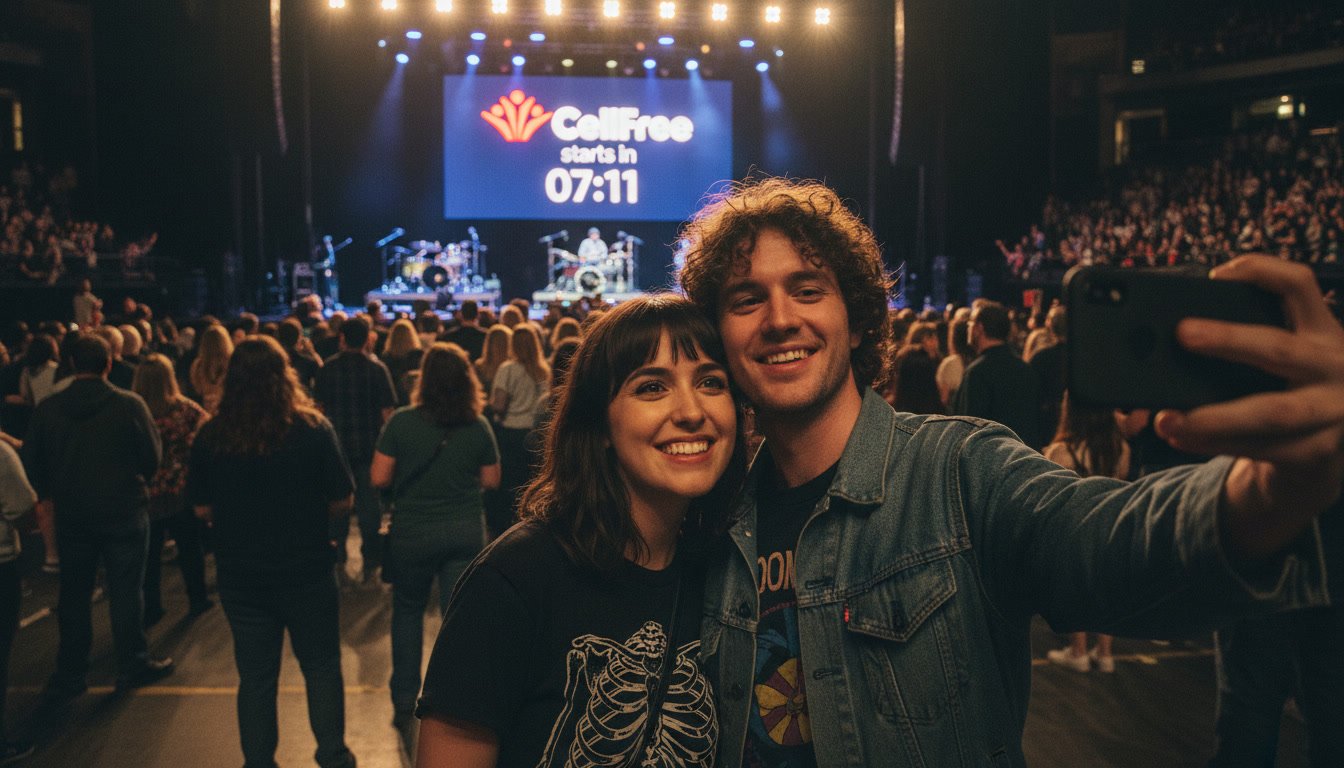
Power down for the CellFree window. The countdown becomes part of the show. The room is present.
- 04
Backstage opens
When the headline set ends, the phone comes back on. Tonight's Drop is waiting — the artist message, setlist, presale, guest list.
For partners
Create. Schedule. Run the show.
- 01
Create the event
Venue, date, doors, set times, timezone. Drop the artist in, upload the show poster, set the CellFree window.
- 02
Set the windows
CellFree start, Backstage open. Per-set if the bill is multi-act. Schedule a Live Drop for mid-show if you want one.
- 03
Upload Backstage content
Artist-recorded video, setlist, exclusive track, presale codes, guest list draw, merch offer. Whatever the artist wants to give the room.
- 04
Generate QR + venue screens
Print the venue QR, push the countdown assets to the in-venue screens, prep the door team. The CellFree window is part of the show build.
- 05
Run the show
Open Backstage from the dashboard when the set ends. Trigger a Live Drop mid-show if the moment is right. Watch the room lock in.
- 06
Read the analytics
Qualified sessions, Backstage unlock rate, Drop engagement, offer clicks. Export to CSV. You own the data.
Run the show.
Tell us about the show, tour or venue. We'll come back with pricing, projections and a design-partner trial plan.